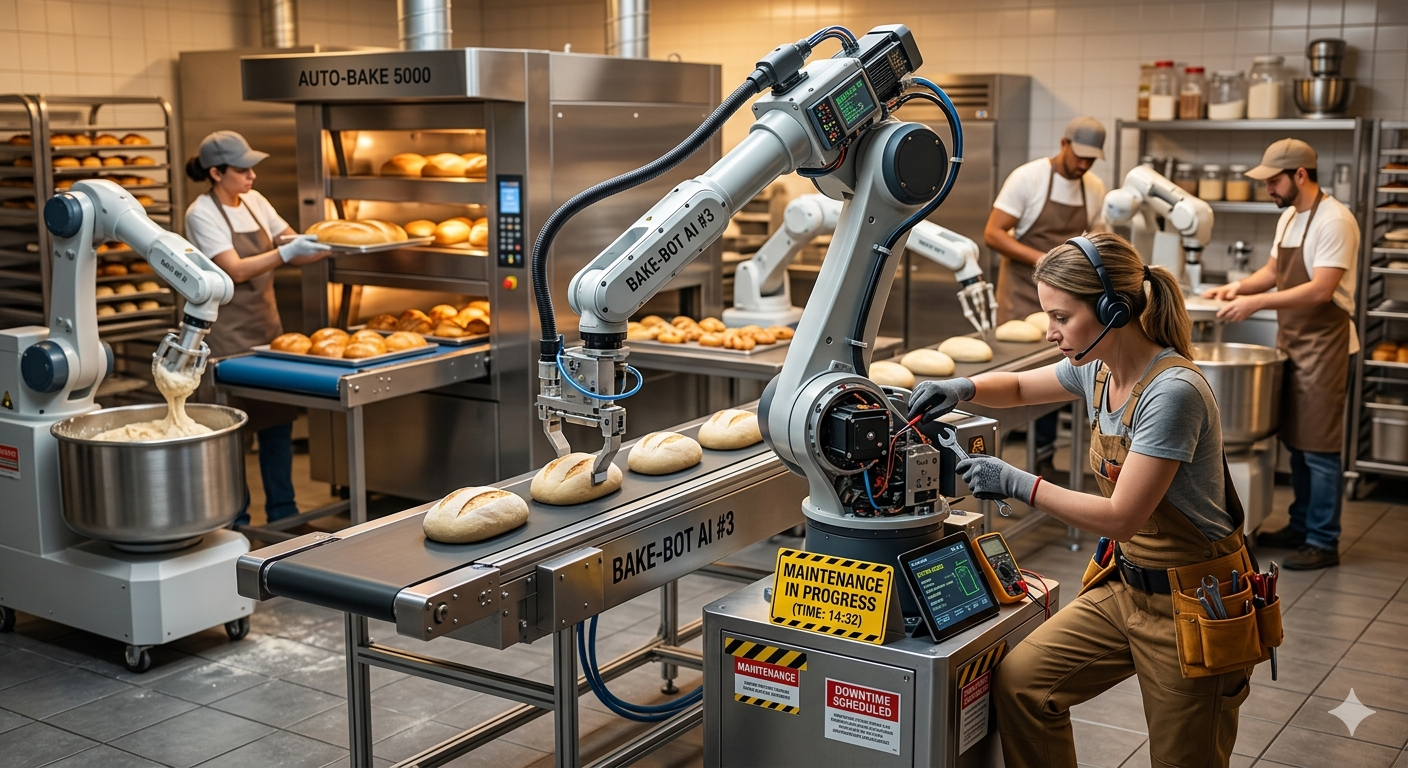
We live in a world where AI, agents, and automation tools help us do more, faster, and often with fewer people. That’s genuinely great. But there’s one thing all this new tooling doesn’t change, and that we can’t afford to lose sight of: we still have to bake in time for maintenance.
It’s tempting to think that once you’ve built a great script, tool, or automated workflow, it should just work forever. Code isn’t a mechanical part that wears down over time, right? Except in practice, it kind of is. Not because the code itself degrades, but because everything around it keeps changing.
When the Ground Shifts Under You
I’ve had multiple situations where an automated workflow ran perfectly for months, then suddenly broke for no reason I could find on my end.
One example: I had a script that built a Windows App Service in Azure. It had worked exactly as expected for a long time. Then, out of nowhere, it started building Linux App Services instead. Same commands, same parameters, completely different result. There was no reason a CLI should suddenly switch the operating system of what it deploys, but it happened, repeatedly.
It turned out something upstream in the Azure CLI itself had changed. I had to track down the root cause, collect screenshots and evidence, and file a bug report with the Azure CLI team. They confirmed it: a bug they’d introduced. I couldn’t fix it myself; building the service correctly through the CLI just wasn’t possible anymore. My options were to build it by hand or rewrite the automation in another tool. Either way, it cost real time: time to diagnose, time to document and submit the bug, time for Microsoft to investigate and confirm it, and time for them to ship a fix.
That entire cycle is maintenance, and it had nothing to do with anything I did wrong.
AI Agents Break the Same Way
AI agents introduce their own version of this problem. I heard it summed up well recently: there are two common ways agents break, and stale reference material is one of the biggest.
Agents often work off environment files, README-style docs, or wikis to understand your infrastructure. What happens when that wiki goes stale?
Say you’ve got a virtual network connected to a routing table, which points to a virtual appliance at a specific IP address. Someone updates that IP address for a perfectly good reason, with a proper change control process and review. Everything about the change itself was done right. But nobody updated the wiki. Now your agent (or your scripts) keep referencing the old IP address, confidently building things the way they always have, except now they’re pointing at the wrong target. Something breaks downstream, and you’re left tracing it back to a single outdated line in a doc nobody thought to touch.
The same thing happens with network design. Maybe you resize a subnet’s address space because you’re running out of room, and the CIDR block changes. If your automation, or the documentation it reads from, wasn’t updated to match, you’ll get silent, confusing failures that have nothing to do with bad code and everything to do with stale assumptions.
Maintenance Isn’t Just Servers
It’s easy to associate “maintenance” with patching servers, and that’s part of it too. You’ve probably experienced this: a VM or desktop is running fine, a Windows patch rolls out, maybe automatically, maybe a week later because you waited to be safe, and suddenly something breaks. Now you’re tracking down what changed, identifying the specific patch, and figuring out whether you can safely remove it and what else that decision affects.
If you don’t carve out time for this kind of work proactively, it piles up. You end up with a backlog of things you “should have gotten to yesterday,” and that backlog actively slows down everything you’re trying to do today.
Even the AI Models Themselves Change
Here’s a newer wrinkle: the AI models you’re building workflows around change too. Say you’ve built a process around a specific model version, with detailed instructions in a markdown file telling it exactly what to do. Then the model updates, maybe you’re explicitly pinned to a version, or maybe you just want “whatever’s latest,” and suddenly the model doesn’t behave the way it used to. The instructions that worked perfectly before don’t land the same way anymore, and you have to go figure out what changed and adjust.
This applies just as much to your broader toolchain: npm packages, OS versions, dependency updates across the board. Things change constantly, often outside your control, and if you’re not paying attention to what’s shifting beneath your applications, you’ll find out the hard way.
So How Do You Actually Bake This In?
This is the part that trips people up, especially on smaller teams. There’s no dedicated platform group to absorb this work, so it either gets a real slot on the calendar or it doesn’t happen at all. A few things that help:
Give maintenance a fixed, recurring slot. Treat it like a standing meeting instead of “whenever we get to it.” Even one half-day a week, or 10 to 20 percent of a sprint, reserved specifically for maintenance and dependency checks, makes a real difference. Protect it the same way you’d protect on-call time.
Treat documentation as part of the change itself, not an afterthought. The IP address example above is the classic failure mode: the infrastructure change was done right, but the doc wasn’t updated, and anything reading from it (scripts, agents, new hires) got it wrong. Make “update the doc” a required step in your change process, not a separate task that’s easy to skip when things are busy.
Pin and review your dependencies on purpose. CLI tools, npm packages, OS images, and AI model versions all drift over time. Pin versions where behavior actually matters, and set a recurring reminder, monthly or quarterly works fine, to deliberately review and test updates rather than letting them stack up unreviewed.
Keep a running log of what broke and why. A single shared doc where the team notes what broke, what the actual root cause turned out to be, and how long it took to fix. Over time this becomes the best argument for protected maintenance time, because it turns “we should really do maintenance” into a specific list of receipts.
Build monitoring that catches drift, not just downtime. Most small-team monitoring is built to catch things being down. The failures described above (wrong IP, wrong OS, wrong CIDR block) are things being wrong while still technically running. Where you can, add checks that validate key assumptions, not just uptime.
Assign someone to watch upstream changes. Rotate it if you want. Someone keeps a light eye on release notes for the CLI tools, packages, and AI models your workflows depend on. Thirty minutes a week scanning changelogs can catch a breaking change before it catches you.
The Bottom Line
None of this is a knock on AI or automation. It’s the opposite. The more these tools do for us, the easier it becomes to assume things will just keep working. They won’t, not indefinitely, because the environment they operate in never stops changing: upstream APIs, documentation, network configs, patches, model versions, dependencies.
If you’re not intentionally baking in time for maintenance, you’re not avoiding the cost. You’re just deferring it. And deferred maintenance has a way of showing up later as a much bigger, much less convenient disaster.
Leave a Reply